2024-11-07

Successful Integration: The Path to a Holistic Hybrid System Landscape

Successful IT Projects with InnovateSAP and ISA-M: Holistic Integration

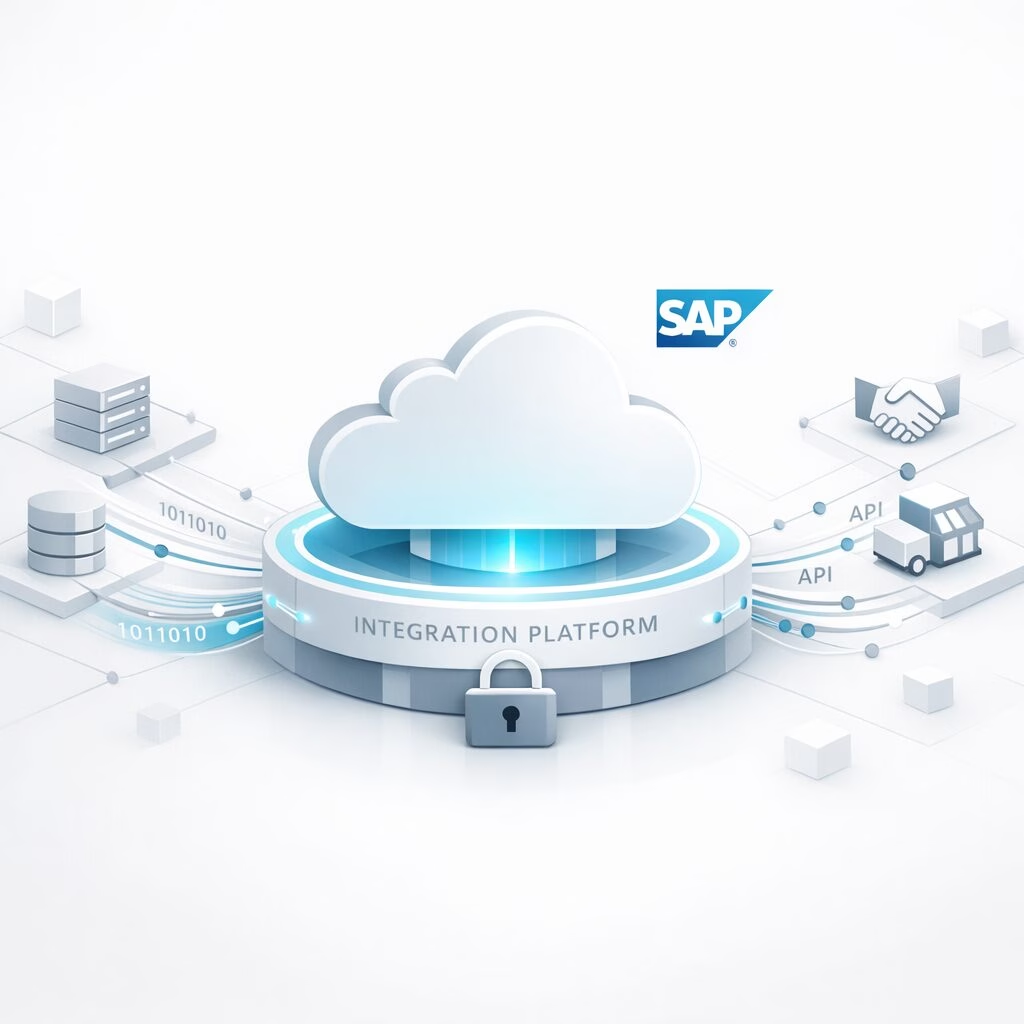
In an increasingly connected world, you as a company are faced with the challenge of keeping track of the hybrid system landscape and enabling efficient and problem-free integration of different systems . With our HO2 initiative InnovateSAP, based on the SAP Integration Solution Advisory Methodology (ISA-M), we offer you a tailor-made solution that addresses exactly these challenges.

Starting situation

Your organization is faced with the need to manage the interfaces between disparate systems and integration domains . This includes data, process, user and IoT integration. Our goal is to bring clarity and structure to your complex enterprise architecture and provide a systematic approach to integration.

Solution approach with ISA-M in conjunction with InnovateSAP

The ISA-M extended by HO2 as part of the InnovateSAP initiative supports the principle of holistic integration by providing a systematic methodology. This methodology helps you as an enterprise architect to define, evaluate, and evolve your integration architecture. By defining integration policies and incorporating both SAP and non-SAP integration technologies, we create a flexible framework tailored to your specific context. Your company doesn’t have real-time streaming data pipelines in place or is struggling to implement them? With the help of our initiative, such GAPs will be identified and corresponding technologies and services will be presented to close your gaps. In the course of this, we advise you on how to implement your goal in the best possible way and openly explain the strengths and weaknesses of the existing options. In terms of the problem, the Kafka platform provides an efficient approach to data stream processing. This service combines messaging, storage, and stream processing to enable analysis of both historical and real-time data. One advantage of Kafka and its use in so-called event-driven architectures is the decoupling of individual applications by a message system. Even though you have to take care of managing message partitioning and assigning sequential IDs (offset) yourself, this empowers you to incorporate your own logic into the process. This allows for any order and multiple readings. Through our efficient fit-gap analysis, we offer you an excellent opportunity to make strategic decisions.

Steps of implementation

HO2 provides clarity for your enterprise and integration architecture. We’ll help you design your integration strategy. Our approach, based on ISA-M, promotes innovation and thus enables the targeted introduction of new techniques and the improvement of your processes. Furthermore, after using this new method, you will be able to accelerate your proof of concept .

  1. Identification of technologies and services: We start with a thorough analysis of existing and potential technologies and services.
  2. Determination of integration domains and styles: We then define the integration domains (system connections) and integration styles (data-centric, user-centric, process-centric, and IoT-centric).

Your complete system landscape is now transparent to you. You will gain a clear insight and overview of the relationships between the systems and the basic structure behind them. In doing so, you have created a basis for clearly communicating the use of new technologies and the evaluation of existing concepts and making them sustainable. You can now effectively face complex challenges associated with enterprise architectures, which are often associated with high costs.

  1. Development of Use Case Patterns: By defining specific scenarios within the integration types, decision tables, criteria, and templates can be created for a structured and efficient implementation of future integrations.
  2. Customization of integration roles: ISA-M takes into account commonly used integration roles within organizations. These roles can serve as a foundation and can be individually adapted to the needs of your company, for example to establish an integration competence center.

After the last two implementation steps, you can further refine the existing structure and classify your use cases. This step brings you two decisive advantages:

  1. Your development team receives a concrete process model for each use case, so that projects are completed more accurately and quickly. Time-consuming, case-specific work is no longer necessary.
  2. The proof of concept is accelerated.

Results and Benefits

The result is a tailor-made, flexible and ready-to-use integration architecture, which is made possible by the InnovateSAP initiative using ISA-M. Our methodology not only supports the clear definition of integration policies, but also promotes the inclusion of diverse technologies and services to optimize system integration. With InnovateSAP and ISA-M as a foundation, your organization can build a robust integration ecosystem that enables it to respond quickly and efficiently to change, thus securing a sustainable competitive advantage.

At InnovateSAP , we strive to bring clarity to the complex world of IT and support you on your digital transformation journey.

2024-05-06

How old measuring devices create new value through AI

The Revolution in the Digitalization of Analog Measuring Instruments

Many are faced with the problem of how to integrate their tried and tested but outdated machines into a modern, data-driven environment without having to make massive investments in new equipment. As part of our
InnovateSAP
initiative, we have developed a groundbreaking solution based on the use of artificial intelligence to automatically read analog data displays.

Automatic meter reading

The Challenge

The challenge is to introduce existing analog machines that have done reliable work for decades into the digital world. In particular, analogue measuring devices, which are indispensable for the collection of critical data, face integration problems into modern digital infrastructures.

Starting situation

Our solution

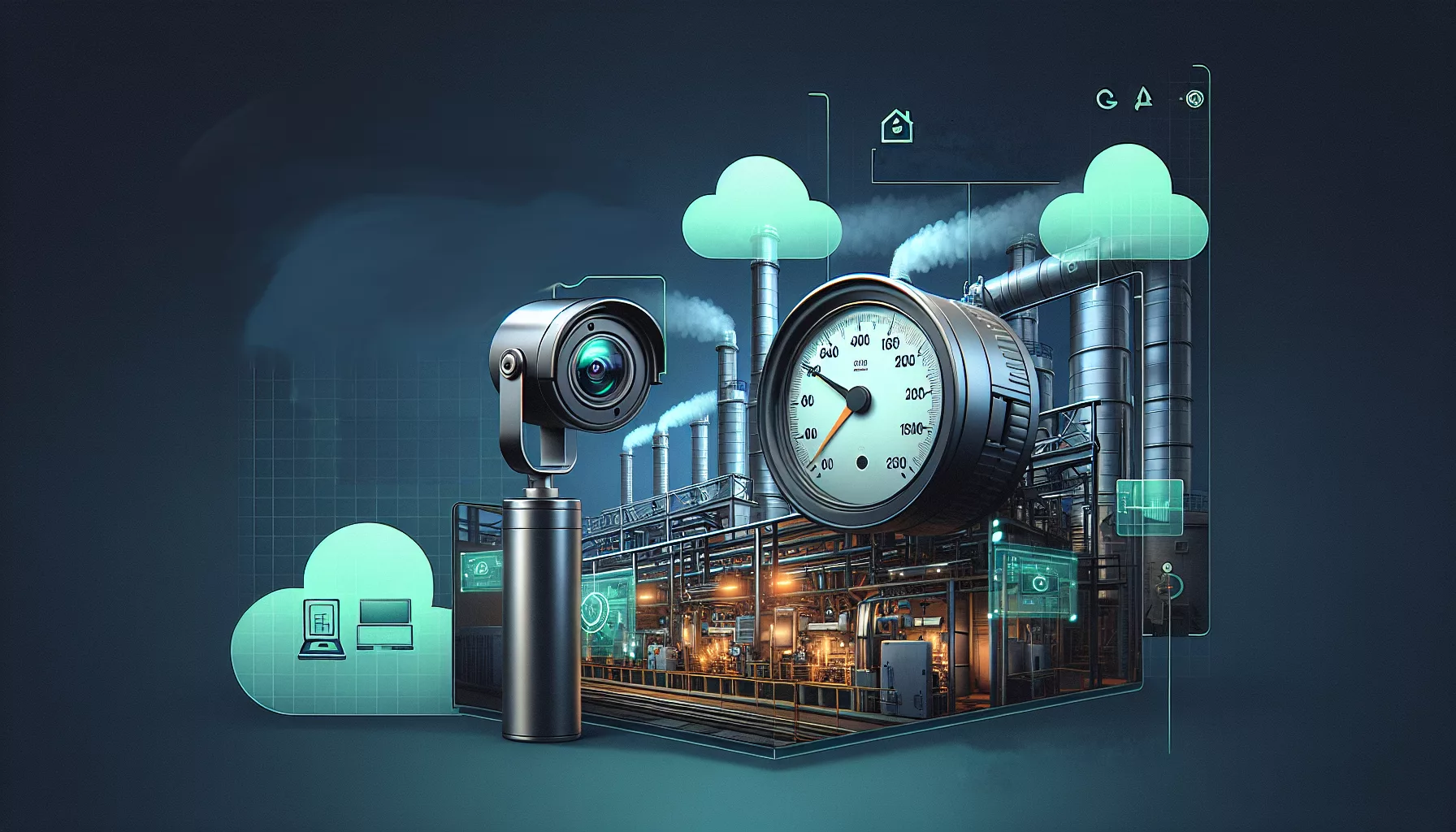
Our solution at HO2 combines advanced AI techniques with the use of live camera data directed at these analog devices. Here, the live feed is analyzed by our AI, the data from the analog measuring devices is recorded and converted into digital formats. This innovative approach not only reduces costs, but also significantly minimizes the manual workload of employees.


From idea to implementation

Our approach was innovative and practice-oriented at the same time. We used a pre-existing model for recognizing things in imagery as a starting point. The architecture of the model has been adapted and specially trained for the detection and evaluation of dial gauges. Providing the data as a residual service enables the AI to seamlessly process the live data directly from the camera. We then store the transferred data in a database from where we can access this data for analytical or security purposes.

Results and outlook

The results are promising. By implementing our solution, companies can continue to use their proven machines while reaping the benefits of digitalization. This approach is not limited to complex machines, but can also be extended to simpler applications, such as monitoring pipelines using AI to collect pressure and flow data.

Here are some example results with the detected characteristics (minimum, tip, center, maximum) from which the current meter reading can be determined:

Tagged Gauges

The possibilities are manifold and extend far beyond pure machine integration. With our InnovateSAP initiative, we offer companies the opportunity to transform their analogue dilemma into a digital solution and successfully lead their production into the digital age.

If you’re ready to take the next step towards digitizing your production, contact us today. At HO2, we’re here to guide you through this change and future-proof your operations.

2024-03-27

How to successfully migrate data between different databases

Data migration made easy with SQL Workbench/J

Have you ever faced the challenge of migrating data from one database to another, perhaps even between different DB providers? Whether you are switching from an on-premise Netweaver Portal solution to SAP BTP, from a HANA DB to PostgreSQL on SAP BTP for cost savings, changing the provider of the database or moving to a new database management system – data migration is often essential, but can also be very complex.

DB Migration Challenge

Why use SQL Workbench/J?

The free tool support provided by SQL Workbench/J can provide a solution to such challenges. As part of our InnovateSAP initiative, we rely on SQL Workbench/J to solve migration challenges.

The required connection to source and target databases as well as the maintenance of predefined and additional JDBC drivers (e.g. for HANA) is relatively uncomplicated. A HANA JDBC driver has been created here:

Manage Drivers

Here is a PostgreSQL connection (which uses an SSH tunnel to SAP BTP):

Select Connection Profile

SQL Workbench/J supports a wide range of databases, including (sometimes more, sometimes less officially): Oracle, MySQL, PostgreSQL, SQL Server, DB2, Sybase, MS Access, Firebird, Apache Derby, HSQLDB, Informix, InterSystems Caché, MariaDB, Netezza, Pervasive PSQL, SQLite, Teradata, Amazon Redshift, Vertica, Greenplum, SAP MaxDB, Snowflake, Amazon Athena, Apache Hive, Google BigQuery, Presto, SAP HANA. This broad support makes it possible to handle virtually any data migration project in the SQL area.

Common migration hurdles

For example, one of the common challenges is blob fields (binary data of almost unlimited size) that cannot be exported as CSV, Excel or JSON with Oracle’s Oracle SQL Developer, for example. These files could become extremely large due to binary data.

In these cases, a manual export and import of files, which is already very labor-intensive, is not only error-prone, time-consuming and difficult to reproduce – it is simply impossible.

Creating Data Structures

Depending on the application, the creation of tables, indexes and, if necessary, functions can be done either via SQL directly or through your development tools. Artificial intelligence can be of particular help here, for example when creating the new data model based on the old data structure or adapting the Create SQL scripts to a new manufacturer or namespace. ChatGPT 3.5 is already a good aid here.

Implementation

With SQL Workbench/ J’s Data Pumper , you can perform data migration efficiently. Once the connections to the source and target databases have been established, the migration can be controlled with a comprehensive set of options:

  • Selecting the Data Source (Table or SQL Select) and Destination – Here using SQL Source instead of a table:

  • Manual assignment of table columns, if necessary
  • Specifying the Mode to Control Update/Replace Existing Values in the Target
  • Setting Batch Size for Optimized Performance

A key aspect of this process is the choice of mode to determine how or if existing values should be replaced. An incorrect selection will lead to errors at runtime. Possible modes are:

  • Insert
  • Update
  • Insert+Update
  • Update+Insert
  • Upsert

For performance reasons and to avoid errors, it is advisable to choose the mode that allows successful operations more frequently, i.e. insert on non-existent keys or upsert to update existing values or add new records. To ensure optimal performance, it is recommended to insert or update records in batches, typically in sizes of 100 records per batch, to avoid excessive commits.

Transfer with Where
With the support of SQL Workbench/J, data can be migrated effectively and quickly.

Exportable script

To perform a data migration as scheduled, SQL Workbench/J allows you to export the Data Pumper function as a script. In this way, you can create an executable script step by step with one WB Copy command per table. The migration is then carried out at the push of a button. If necessary, normal SQL commands can also be used in the script.

Here is an example where a table is migrated from Oracle to SAP ASE (formerly Sybase SQL Server) using a SQL query and default values are set.

WbCopy -sourceProfile='p75 sys'
       -sourceGroup=intranet
       -targetProfile='p1x sysdba ase'
       -targetGroup=intranet
       -targetTable=SAPSR3DB.TCM_EMPLOYEE_DATE
       -sourceQuery="SELECT ID,
       CONTACT_INTERN,
       IS_BACKOFFICE,
       NVL(HIRE_DATE, TO_DATE('2099-01-01','YYYY-MM-DD')) as HIRE_DATE,
       NVL(FIRE_DATE, TO_DATE('2099-01-01','YYYY-MM-DD')) as FIRE_DATE,
       VACATION_DAYS
FROM SAPSR3DB.TCM_EMPLOYEE_DATE

"
       -ignoreIdentityColumns=false
       -deleteTarget=true
       -continueOnError=false
       -batchSize=100
;

Such a script makes data migration between different database providers simple and straightforward.

DB Migration Successfully Conducted

Contact

We will be happy to answer any further questions you may have about data migration and the InnovateSAP initiative. If you have any challenges or specific requests, do not hesitate to contact us. Together we will find a solution!

← Zur Startseite